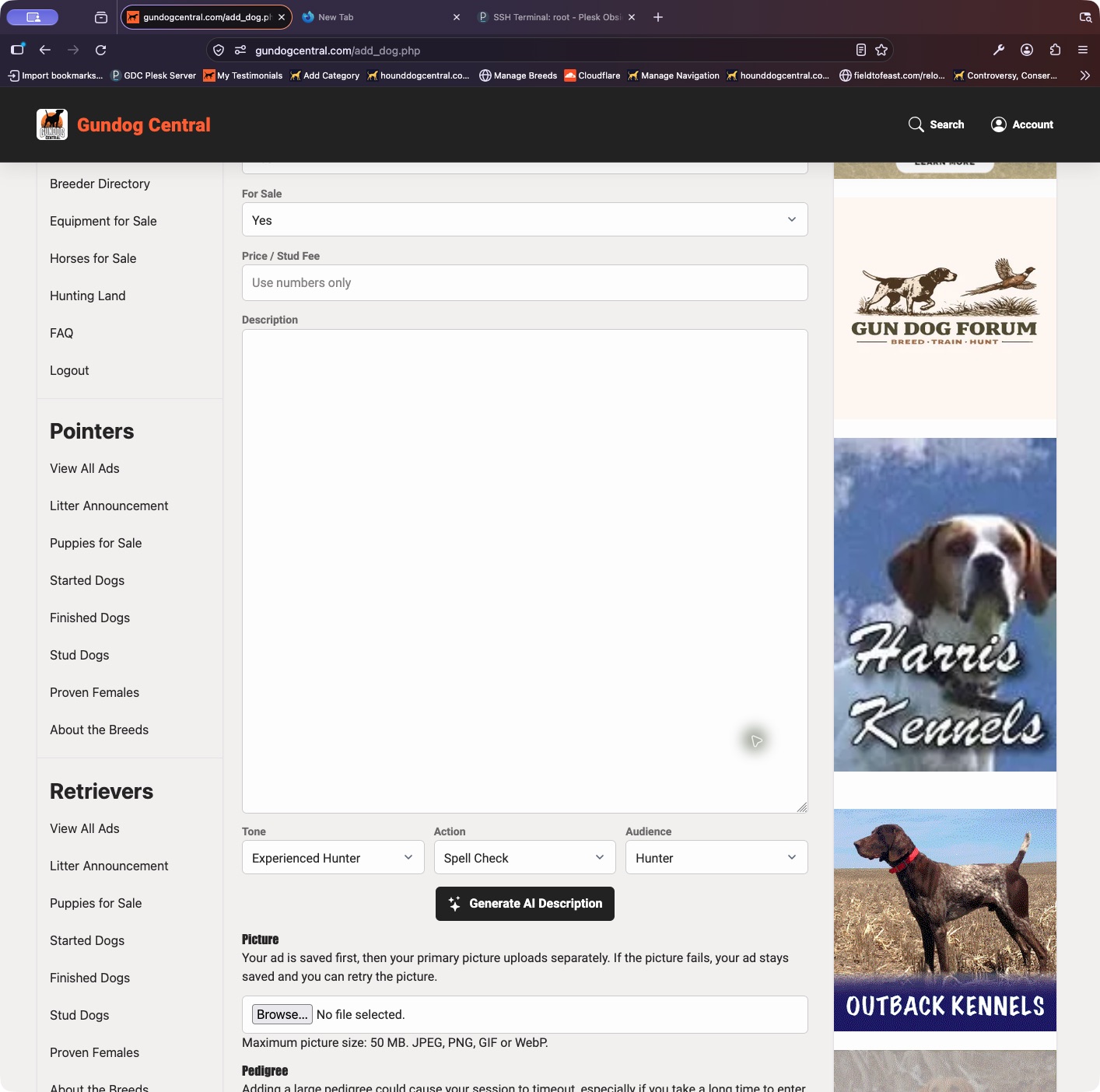
The listing type controls how the amount is described. A stud fee advertises a breeding service, not the sale of the dog.
- Open My Dogs and choose Update Ad.
- Check both the Section and the For Sale selection. Use the appropriate sale section and Yes for a dog offered for sale; choose Stud fee for a breeding fee.
- Use Call to display Call instead of a numeric price, or OBO for the entered price with the or-best-offer wording.
- Save the change and check the public ad after any required approval.
Keep in mind: Changing the amount alone does not change a stud listing into a sale listing.