Where can I check my notifications?


Notifications are available from your member Control Panel.

  1. Sign in and choose Notifications from your Control Panel.
  2. Review the unread items and use the View link for the notification you want to open.
  3. Check Private Messages separately for conversations with other members.

Keep in mind: Your email notification preferences control optional email alerts. The on-site notification list is a separate place to check for updates.
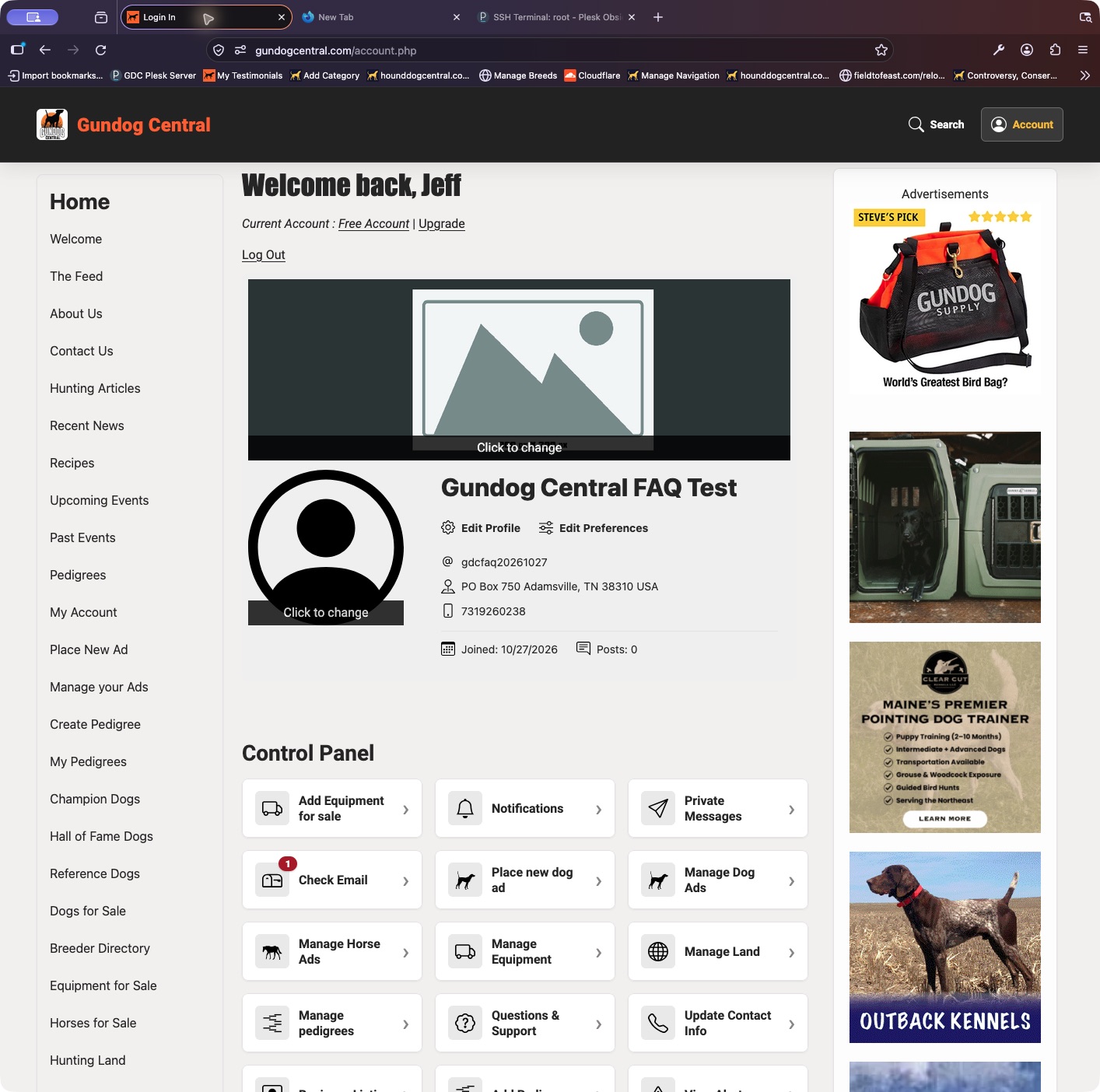

The current member Control Panel provides shortcuts for ads, messages, pedigrees, and account settings.
The current member Control Panel provides shortcuts for ads, messages, pedigrees, and account settings. Select the screenshot to enlarge it.

Back to frequently asked questions


Companion Dog Central

Find Your Next Companion

Browse dog listings and connect with owners and breeders.