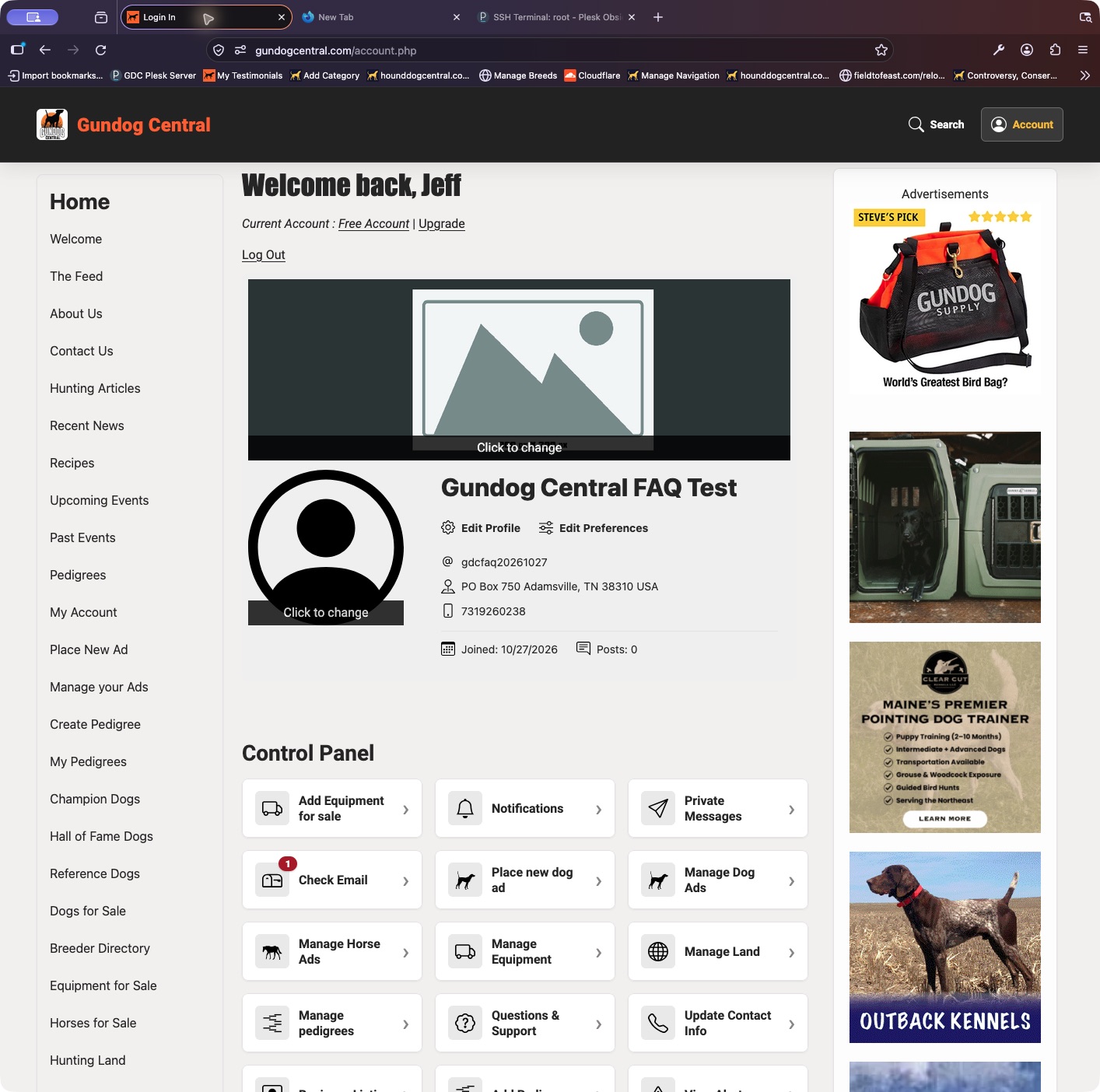
The Control Panel has separate areas for on-site conversations and archived site messages.
- Sign in and open your Control Panel.
- Choose Private Messages to open conversations with other members.
- Use the message archive shortcut for site messages stored with your account. Check its Inbox and Sent views when available.
Keep in mind: Email notifications and on-site messages are different. Check the site directly if an email notification has not arrived.