The default or primary photo is the image used to represent your listing.
- Open My Dogs and find the listing.
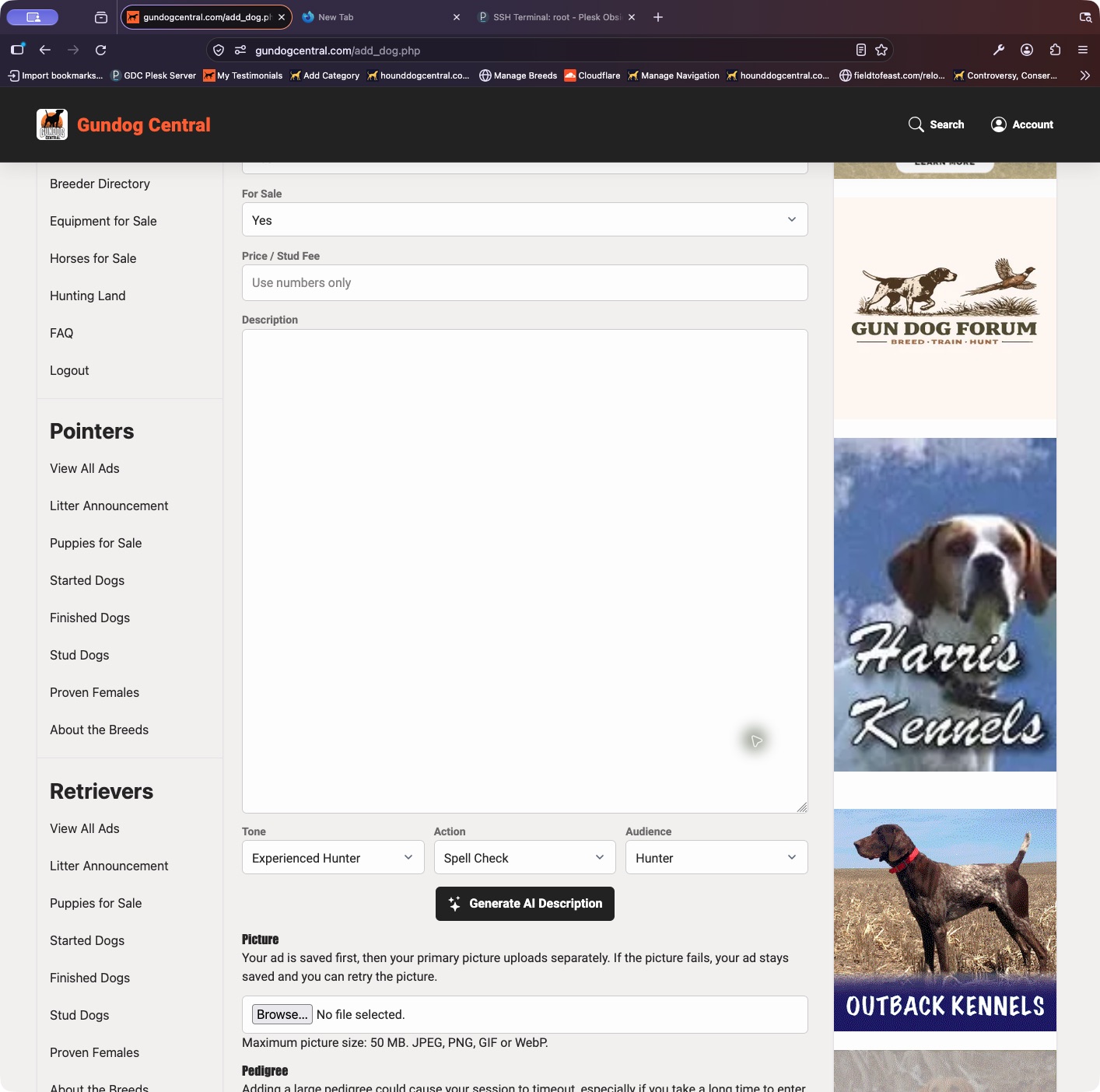
- To replace its primary image, choose Update Ad, select a picture in the Picture area, and save.
- If your plan supports a photo gallery, open Photos & Video and use the default-photo control for the image you want to show first.
- Reload the public ad to check the result. If the old image persists, refresh the page and allow for image-cache updates.
Keep in mind: Uploading a gallery image does not always make it the default automatically.