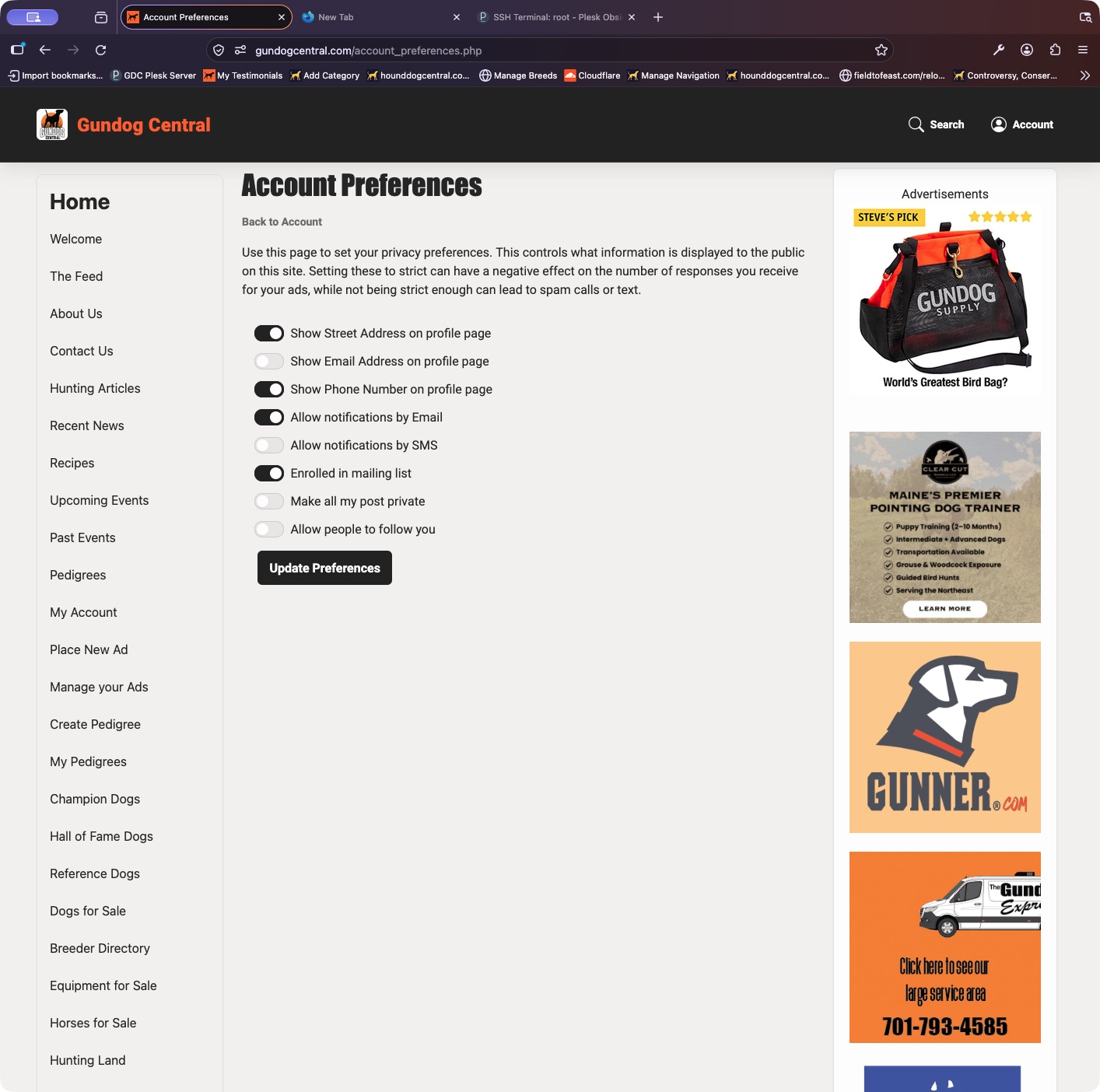
Your public contact information depends on both your saved account details and your privacy preferences.
- Open your Control Panel and use the contact-information shortcut to check that your phone number and address are correct.
- Open Edit Preferences or Update Privacy. Review Show Phone Number on profile page and Show Street Address on profile page.
- Save your preferences, then view the public listing or profile to check what a visitor can see.
Keep in mind: Only make information public if you want visitors to see it. Private messaging remains a separate way for buyers to contact you.