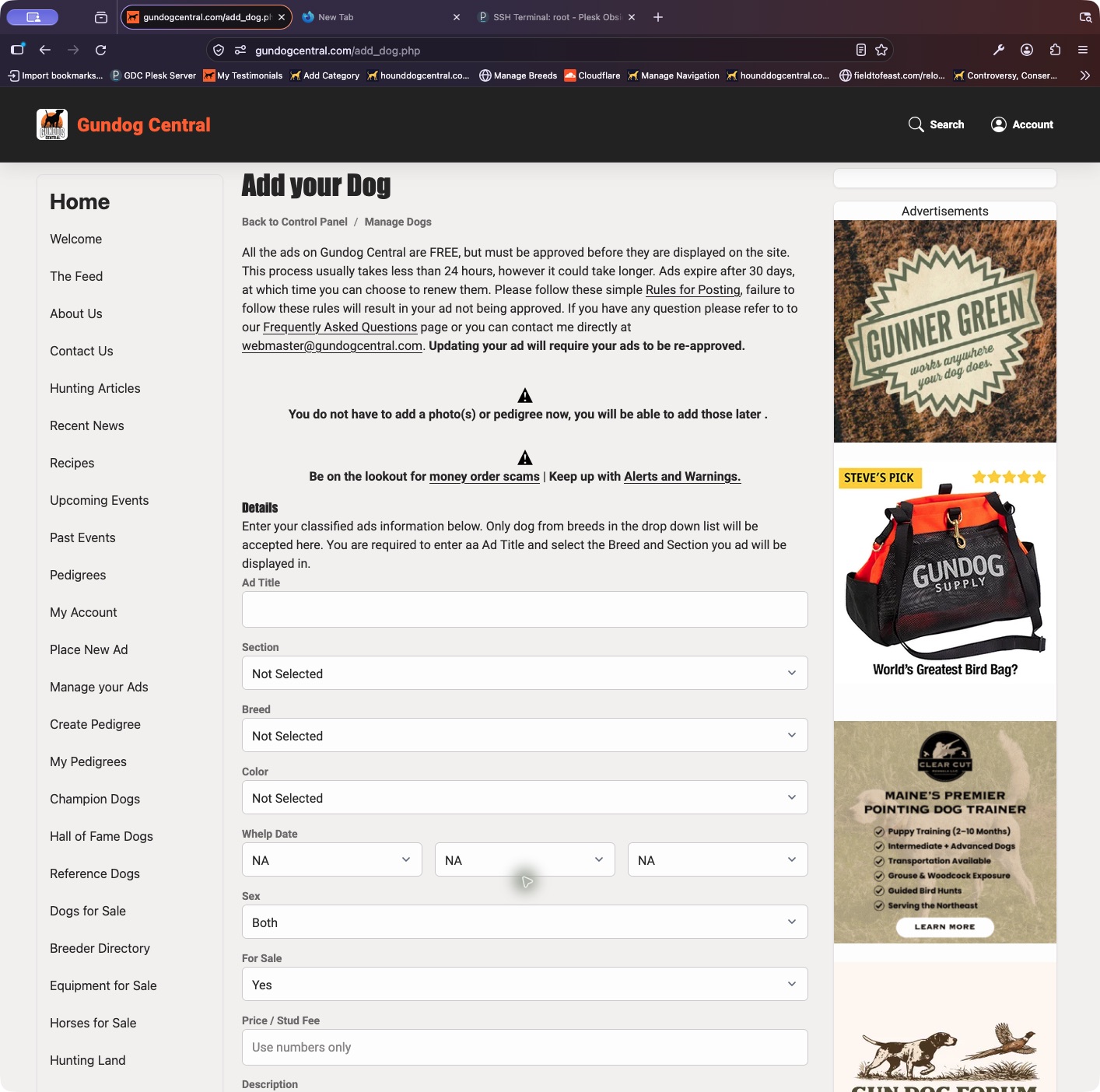
Start with an activated Gundog Central account. You can enter a primary photo while filling out the ad.
- Sign in, open your Control Panel, and choose Place New Ad.
- Enter an ad title and select the correct section and breed. Complete the dog’s details, For Sale choice, price or stud fee, and description.
- Choose a primary picture if you have one ready. Review the upload instructions, then submit the ad.
- Use My Dogs to check the saved listing and approval status. You can update it and manage its media from there.
Keep in mind: Review the listing before submitting. A successful save does not guarantee immediate approval.