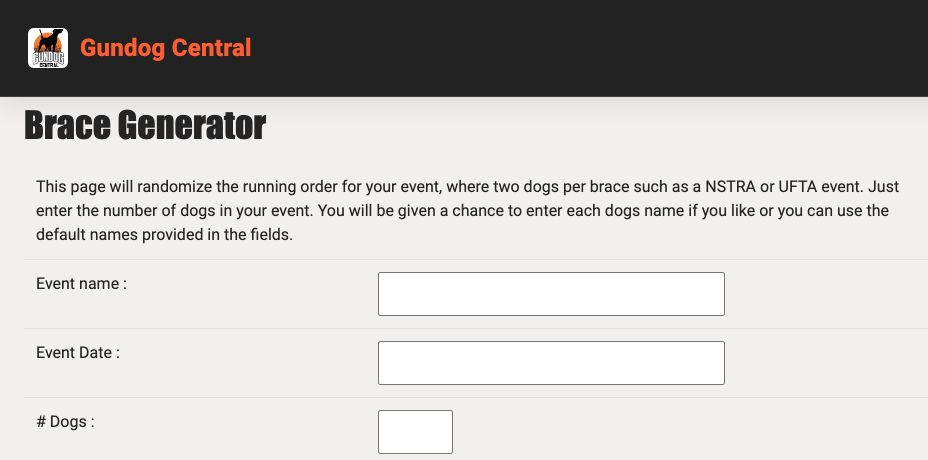
Use the Brace Generator to prepare a randomized running order for an event with two dogs per brace.
- Open the Brace Generator from the Tools menu.
- Enter the event name, date, and number of dogs, then choose Submit.
- On the next screen, enter each dog’s name and sex, owner, and handler, or replace the example names provided.
- Choose Generate, review the resulting running order, and use the available print option or your browser’s Print command.
Keep in mind: Keep a printed or saved copy of the final draw. Review event rules and entries before using a randomized order.