Bookmarks let you save feed posts so you can return to them later.
- Sign in and use the bookmark control on a post you want to keep.
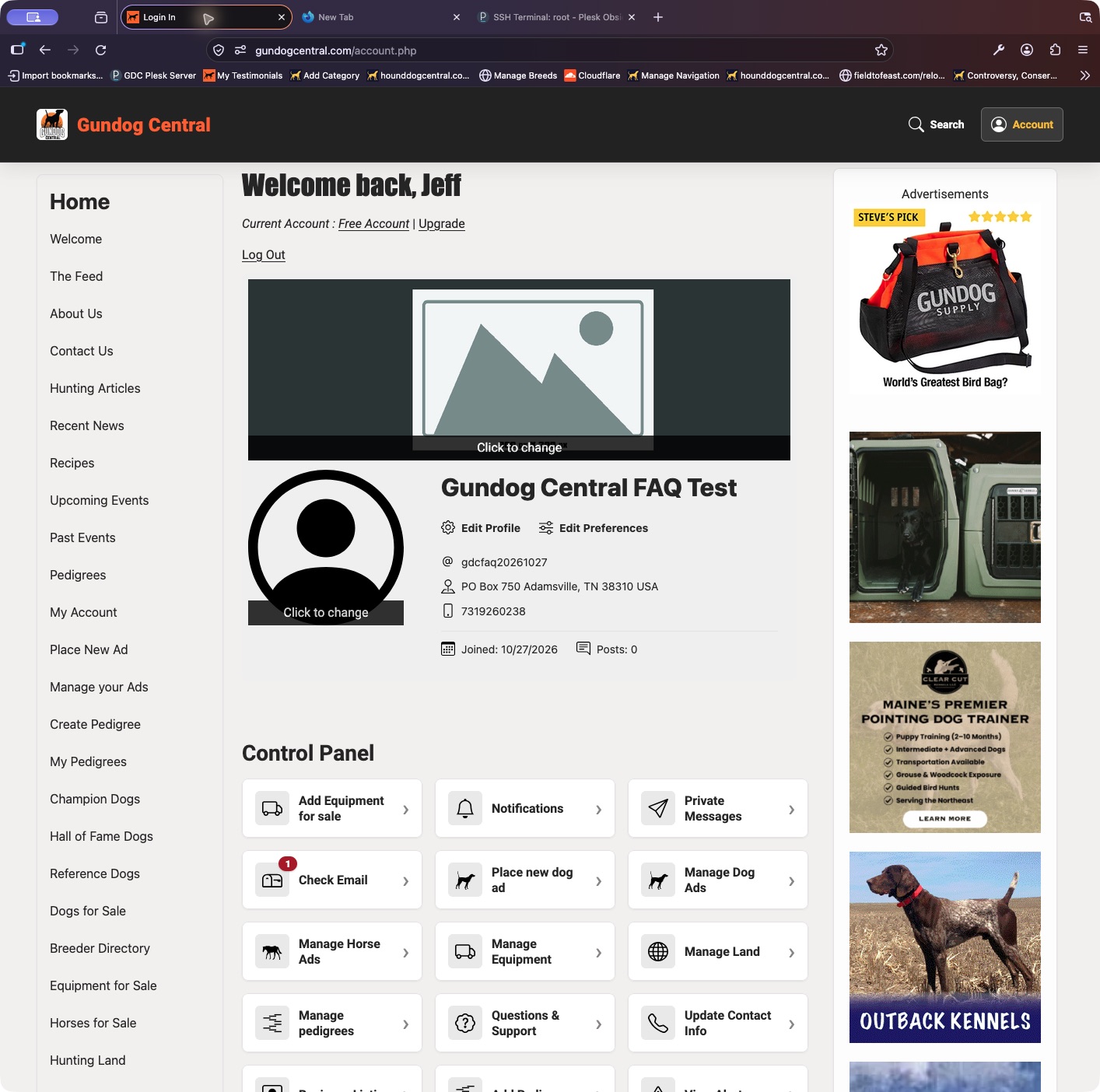
- Open your Control Panel and choose My Bookmarks.
- Open a saved item to return to the post. Use the bookmark control again if you want to remove it from your saved list.
Keep in mind: Bookmarking does not reserve a dog, notify a seller of a purchase, or guarantee that the original post will remain available.