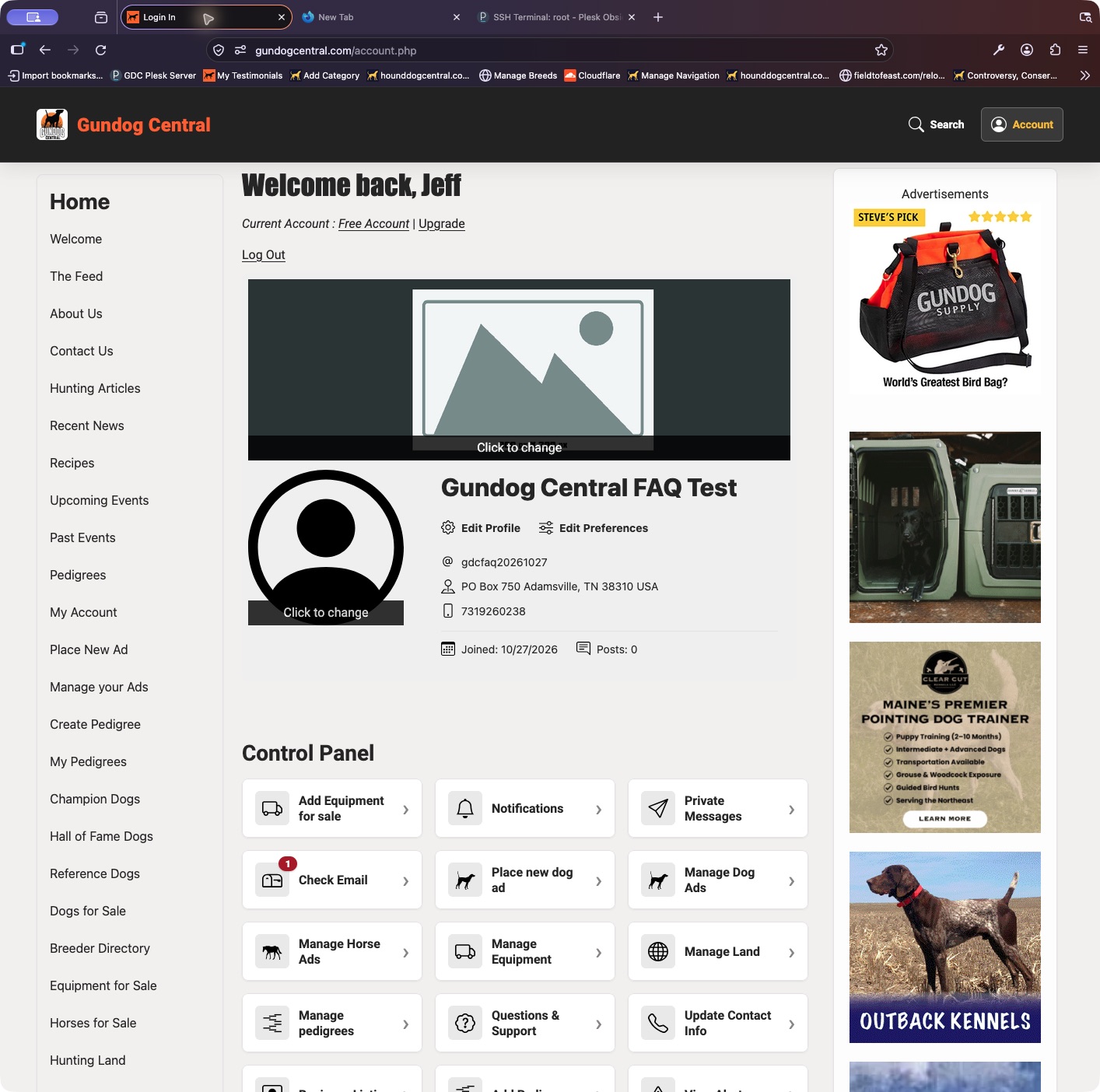
Manage your existing listing from your account instead of placing a duplicate ad.
- Sign in and open My Dogs.
- Find the listing and choose Update Ad. Change the details, section, price, or primary photo as needed.
- Save the form and check the confirmation and listing status. An edit may put the ad back into the approval queue.
Keep in mind: For more pictures or video, use the listing’s Photos & Video controls when available for your plan.