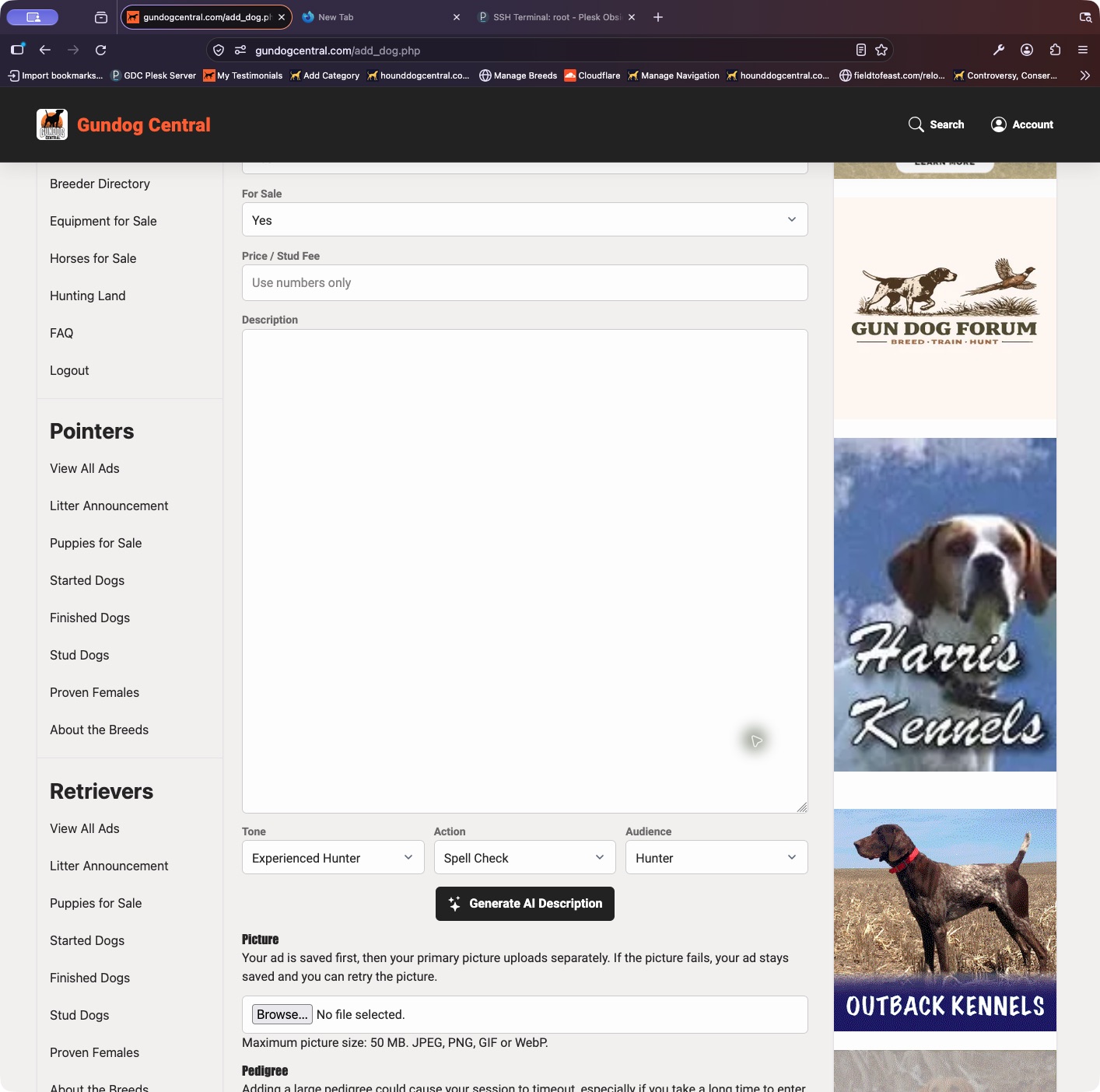
You can upload the primary photo while creating or updating the ad.
- Open Place New Ad, or choose Update Ad for an existing listing in My Dogs.
- In the Picture area, choose the image from your device, then save the ad. The form shows the supported formats and upload limit.
- The ad is saved first and the primary photo uploads separately. If the upload fails, your saved ad remains available so you can retry.
- For additional images, open the listing’s Photos & Video controls when included with your plan.
Keep in mind: A Free ad includes one primary photo. Upload only pictures you own or have permission to use.